
AI Presentation Maker & ATS Resume Checker
Creates your Presentations and, AI Presents your Story
Create presentations, CVs, portfolios, proposals, and professional documents with AI. Let AI present your slides, share through smart links, and discover how your audience engages.
- PPTX
- DOCX

AI Presentations & PPT
Create stunning decks with AI or bring your PPT, and see what your audience really focuses on

ATS-friendly Resumes & CVs
Build an ATS-friendly CV in seconds, check its ATS score and track real engagement.
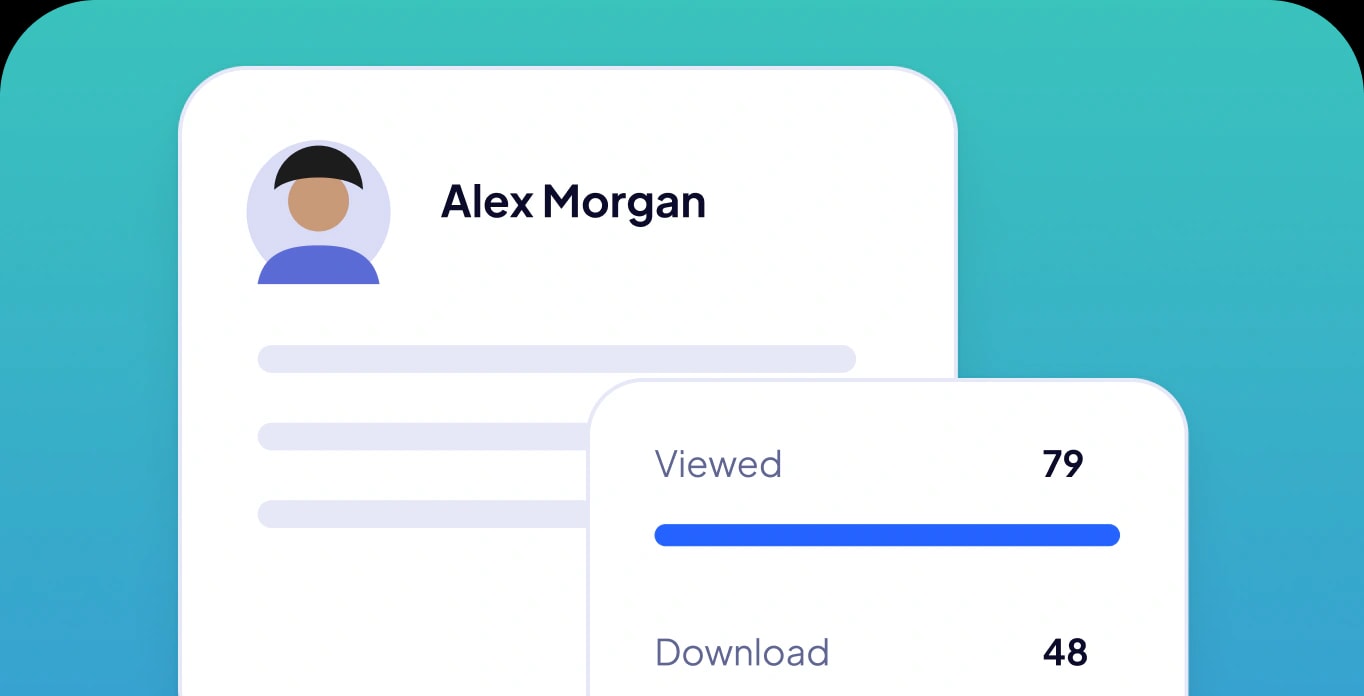

Business Proposals & Documents
Create business proposals, reports or any document with AI and understand your readers.

On the left, the usual story: you send a file and hear nothing back, left wondering whether they opened it, what caught their eye and whether they are ignoring you. On the right, Slidyo writes a deck from a short brief, you share it as a link, and the answers arrive as they happen: who opened it, which slide held them, what they asked the AI and who they passed it on to.
Know who looked, where they lingered and what they asked, before you follow up.
Make your first deckAll-in-one workspace
One studio to create, share, AI presented and track.
Create a sales presentation, CV or proposal with AI
Turn your ideas into stunning presentations, professional CVs, portfolios, business proposals, and more, all in one AI-powered workspace.
Share your digital presentation instantly
Transform your content into shareable links. No downloads or viewer sign-ups required, just seamless access from anywhere.
Presentation AI that presents for you
Go beyond static slides. AI presents, narrates, and explains every slide with natural voice and captions, even when you're not there.
Track every view & interaction
Discover who views your content when identified, which slides or sections capture attention, how long viewers engage, and what questions they ask AI.
Document insights
Read their minds after they leave.
Understand every view
Discover who views your content, how long they stay, and which pages capture the most attention.
Uncover audience intent
See what your visitors are interested in, explore the questions they ask AI, and understand what matters most to them.
Turn insights into action
Transform viewer activity into meaningful insights, identify opportunities, and make smarter decisions after every share.
ATS-friendly resumes. Read their minds after they leave.
Slidyo checks your CV's ATS score and turns your CV and portfolio into intelligent, trackable assets.
Frequently asked questions
Everything you need to know about creating, sharing, and tracking your presentations and resumes with Slidyo.
What is a slide deck?
A slide deck is a set of slides shown one after another to explain an idea, a plan or results, like a sales presentation, a pitch or a report. With Slidyo you describe it or bring a file, and AI makes the deck and can present it for you.
Is Slidyo an AI PPT maker?
Slidyo is an AI presentation maker. Describe your deck or upload a PowerPoint (PPTX) or PDF, and AI builds a clearer presentation from it, presents it with a voice and answers viewers' questions. You share it as a link, and viewers can save it as a PDF if you allow it. Downloading it as a PPTX file isn't available yet.
How to check the ATS score of a resume for free?
Use Slidyo as your ATS resume checker: upload your CV as a PDF, DOCX or picture. Slidyo scores it, shows how ATS-friendly it is and suggests the changes that would raise the score. A free account's monthly credits cover the check.
Can I share links with recruiters, investors, or teammates?
Yes. Slidyo links are designed to be shared anywhere. You can send them via email, message, or workspace, and still keep visibility into who opened your content and what caught their attention.
Can I share my content without downloading it?
Yes. You share a link, and people open it in their browser. Nothing needs to be downloaded or installed.
Can I track who views my presentations?
Yes. For presentations you see each view, the time spent on every slide and who is watching live. For CVs you also see where readers looked.
Can I upload an existing PDF or PowerPoint?
Yes. Upload a PPTX, PDF or DOCX and Slidyo rebuilds it into a clearer deck. Your facts, numbers and order stay as they were.
Do viewers need a Slidyo account to open my links?
No. Anyone with the link can open it in their browser without signing up.